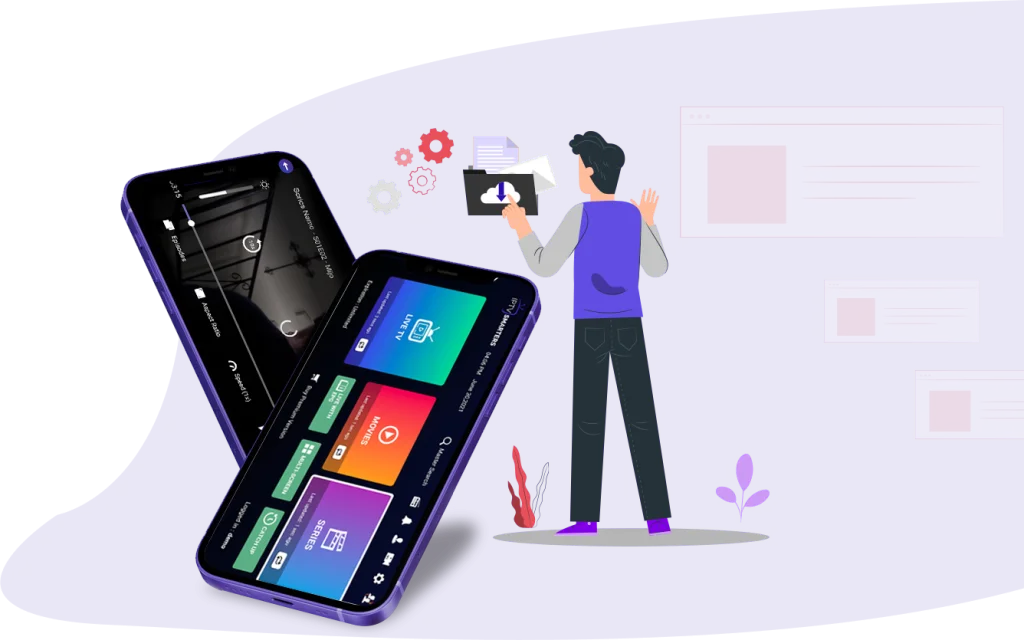
How to Install IPTV Smarters on a MacBook or Mac
Install IPTV Smarters on your Mac or MacBook using the official macOS download, then sign in with your provider credentials and get installation help.
Read articleOfficial sources, device setup and playlist essentials.
Install IPTV Smarters on your Mac or MacBook using the official macOS download, then sign in with your provider credentials and get installation help.
Read articleInstall Smarters Pro on Samsung Smart TV, check the official developer, sign in with provider credentials, and follow the publisher’s USB installation steps.
Read articleLooking for IPTV Smarters on LG TV? Learn what its Coming Soon status means and how to use a supported HDMI device or WebTV on a computer.
Read articleCheck Smarters Pro support for Samsung, Android TV, Google TV and Apple TV, plus what LG and other smart TV owners should know before installing.
Read articleLooking for IPTV on Roku or IPTV Smarters Roku? Learn what the official app list supports and explore practical alternatives for your TV or computer.
Read article
New to M3U playlists? Learn the basics, how they fit into Smarters Pro, and what to check before adding an M3U or JSON playlist.
Read articleInstall IPTV Smarters on Firestick or Fire TV using official guidance, then sign in with provider credentials and check your first-use settings.
Read articlePrepare for an IPTV player setup on Firestick or Android TV, with playlist checks, platform limits, and a practical Smarters Pro readiness checklist.
Read articleTroubleshoot IPTV buffering with practical checks for your network, device and playlist, and learn how to narrow down the source of interruptions.
Read articlePrepare for Smarters Pro WebTV with a device-focused checklist covering browser access, shared-screen privacy and legally acquired media requirements.
Read articlePrepare to use Smarters Pro on your Mac: check official sources, separate player software from content, and identify what still needs verification.
Read articlePrepare Smarters Pro on your Android phone with official sources, separate provider credentials, and a clear distinction between player and content.
Read articleUnderstand what is free and what is not with Smarters Pro: the player app itself versus the separate subscription and credentials that come from your content provider.
Read articleLearn what an IPTV player does, how it uses playlists and provider credentials, and why it is different from a content provider, based on official Smarters Pro information.
Read article
Find the official Smarters Pro listing for iPhone and iPad, and understand what installation, legally acquired media and provider credentials mean.
Read articleUnderstand Smarters Pro’s documented M3U and JSON playlist support, the player’s role, and what to check with your content provider before use.
Read article