How to Prepare an IPTV Player Setup on Firestick and Android TV
Prepare for an IPTV player setup on Firestick or Android TV, with playlist checks, platform limits, and a practical Smarters Pro readiness checklist.
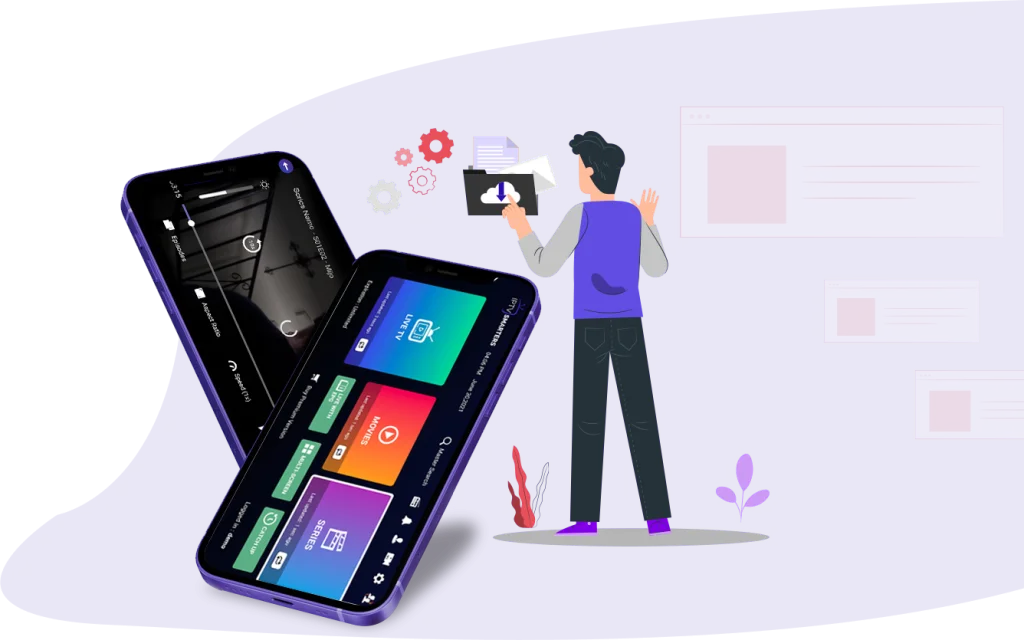
Start with the player, not the channels
Before installing an IPTV player on a television device, separate two things: the application that plays media and the source of that media. Smarters Pro is a media player, not a content provider. Installing it does not, by itself, supply a playlist or establish permission to watch the material in one.
This guide focuses on preparation for an IPTV Firestick or IPTV Android TV setup rather than repeating a button-by-button installation walkthrough. The supplied official information confirms Android TV support and several playlist features, but it does not provide enough detail to verify a Firestick installation route or exact on-screen steps.
Check the platform before choosing an installation route
Android TV appears in the verified Smarters Pro platform list. Android is also listed separately, alongside iPhone/iPad, Apple TV, Windows, macOS and WebTV. For an Android TV project, that establishes platform support, but it does not establish a particular store listing, download method or menu sequence.
Firestick is not explicitly included in the supplied verified platform list. Do not treat the Android entry as confirmation of Firestick compatibility. Before proceeding on Firestick, seek official confirmation of support and installation instructions for your device. The evidence available here is insufficient to recommend a download package or sideloading procedure.
Identify what playlist information you have
Smarters Pro supports M3U and JSON playlists. Before starting a TV setup, establish whether the playlist you intend to use is in one of those formats. If its format is unclear, ask the party that supplied it rather than guessing from an unfamiliar filename or description.
Keep the distinction between format and access clear. A supported playlist format is not proof that its contents are available to you or that you have permission to view them. These verified facts do not establish any particular provider's availability or content rights.
If you have several playlists, decide which one you want to work with first. Multiple playlists are supported, but beginning with a clearly identified source keeps your setup notes easier to follow if you later need help.
Plan how the household will use the player
Favourites and parental controls are among the confirmed Smarters Pro features. Think ahead about which items you would want to find quickly and whether household viewing needs restrictions. This gives you a practical checklist for reviewing the application after installation.
The supplied facts do not describe how favourites are added or how parental controls are configured. They also do not establish the scope of those controls. Avoid assuming that restrictions are already active; consult the relevant instructions before relying on them for household viewing.
Keep installation instructions and plan information separate
For your next step, consult the English installation guide. Check that any instructions you follow address your actual platform, especially if you are preparing a Firestick rather than an Android TV device.
If you also need to compare options, see the available plans and prices. Keep that review separate from the compatibility check: the verified information here does not establish prices, licensing terms or what any plan includes. A plan description should not substitute for explicit device support.
Use a short readiness check before proceeding
For Android TV, you are ready to seek platform-specific installation instructions once you have identified your device platform, confirmed your playlist format and noted the household features you need. For Firestick, add one essential prerequisite: official confirmation that your intended setup is supported.
If you reach a dead end, record the device platform, playlist format and exact stage where you stopped. Those details make a support question more precise without assuming the cause. The next useful step is resolving the missing information—not trying unverified installation methods.