What Is an IPTV Player and How Does It Work?
Learn what an IPTV player does, how it uses playlists and provider credentials, and why it is different from a content provider, based on official Smarters Pro information.
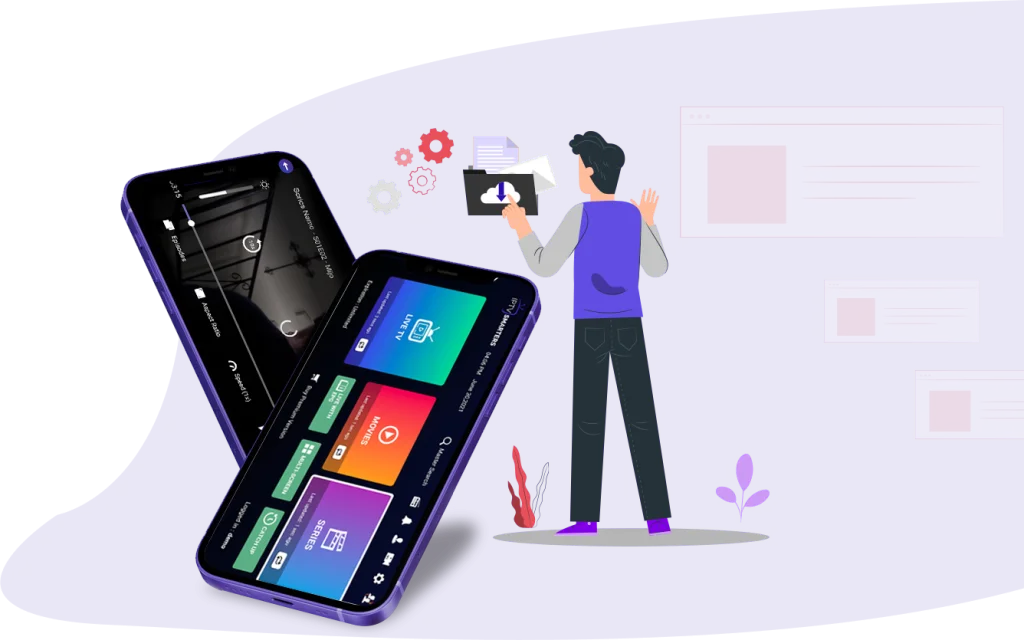
What an IPTV player is
An IPTV player is a media player application that organizes and plays television and video streams that you supply to it. It is software, not a content service: installing the player gives you a viewing environment, not a channel lineup.
Smarters Pro is one example of this category. The official website documents support for M3U and JSON playlists, multiple playlists, favorites, and parental control. Those features describe how the player organizes what you add to it.
How an IPTV player works
The basic flow has three parts: you install the player, you add a playlist in a documented format such as M3U or JSON, and you enter login credentials where your setup requires them. The player then reads the playlist and plays the media it points to.
The official How It Works page states that users get login credentials from their service provider. The player reads what you give it; it does not create streams or invent channels on its own.
The player is not the content provider
The official App Store listing describes Smarters Pro as a standalone media player for personally owned media and states that the app does not provide, host, or sell media content or streaming services. Keep this distinction in mind whenever you evaluate an offer that uses the app's name.
If a website promises channels bundled with a player download, that promise concerns the provider, not the player. Confirm the source of the media and your permission to use it separately from installing any app.
Where playlists and credentials come from
Playlists and login details come from your service provider, not from the player publisher. Before using a playlist, establish which documented format it uses and confirm that its instructions are intended for your player.
Do not guess missing values. If a credential field or playlist entry is unclear, ask your provider for instructions that apply to your setup rather than relying on generic tutorials.
Checking official information
The official references for Smarters Pro are https://smarterspro.com/ and https://smarterspro.com/how-it-works/. Use them as your baseline when comparing claims from third-party sites about what a player should include.
Verified information confirms the documented playlist formats and the player-versus-provider distinction. Detailed device-specific tutorials require documentation beyond the facts cited here, so treat unofficial step-by-step claims with care.