Smarters Pro playlists: formats and content requirements
Understand Smarters Pro’s documented M3U and JSON playlist support, the player’s role, and what to check with your content provider before use.
What the official information confirms
Before preparing a playlist for Smarters Pro, separate two questions: which playlist formats the player documents, and where your media comes from. The official Smarters Pro website documents M3U and JSON playlists, along with multiple-playlist support. Those facts establish the named formats, but they do not guarantee that every playlist supplied elsewhere will work.
This guide stays within the supplied official information. It does not assume a particular import screen, account workflow, or playlist structure. The available facts are enough for a practical pre-use checklist, but not for a field-by-field setup tutorial.
M3U and JSON: documented formats, not complete specifications
M3U and JSON are the two playlist formats named on the official website. If you already have a playlist, first establish which format its supplier says it uses. If you are requesting one, ask which of these documented options the supplier provides.
The supplied excerpts do not describe the required contents of an M3U playlist or the field names and structure of a JSON playlist. There is therefore insufficient information here to provide a valid sample, prescribe an editing method, or confirm that an arbitrary file is suitable. Ask for documentation relevant to Smarters Pro rather than assuming that a format name alone settles compatibility.
The player is separate from the content provider
The official App Store listing describes Smarters Pro as a standalone media player for personally owned media. It also states that the app does not provide, host, or sell media content or streaming services. Installing the player should not be treated as obtaining a media library or a streaming subscription.
Keep that distinction in mind when evaluating an offer associated with the app’s name. Playlist support is a player capability, not evidence that the publisher supplies channels, subscriptions, or channel rights. Confirm the source of the media and your permission to use it separately.
Where login credentials come from
The official How It Works page says users get login credentials from their service provider. If your intended setup involves provider credentials, identify that provider and confirm what it has supplied before attempting to proceed.
The supplied information does not establish a universal set of credential fields or explain how those details relate to every playlist setup. Do not guess missing values. Ask the provider to clarify its access instructions without assuming that the Smarters Pro publisher is also your content supplier.
A neutral checklist before use
Check the media source: is it your personally owned media, and have you confirmed any necessary permission? Check the playlist format: does the supplier identify it as M3U or JSON? Check the instructions: are they intended for Smarters Pro, rather than an unspecified player?
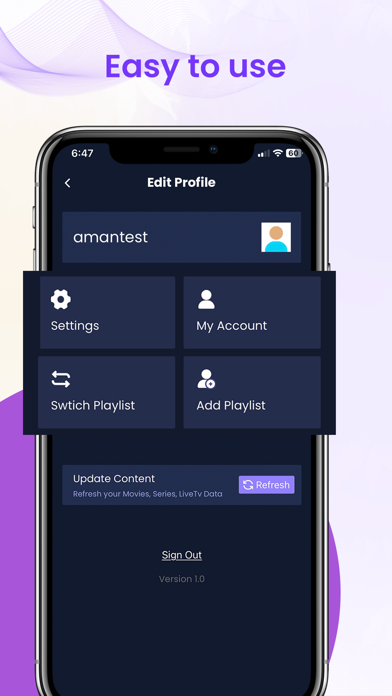
Next, confirm who issued any login credentials and who can answer questions about the supplied playlist. If you intend to use several playlists, keep their sources and instructions clearly distinguished. The website documents multiple-playlist support, but the supplied facts do not specify limits, organization tools, or how playlists interact.
When more documentation is needed
If preparation stalls, identify the missing information before changing anything: the playlist format, its required structure, the source of credentials, or permission to access the media. These are useful questions to resolve, not confirmed diagnoses of an app problem.
The official references are https://smarterspro.com/, https://smarterspro.com/how-it-works/, and https://apps.apple.com/us/app/smarters-pro/id6450746159. More detailed verified documentation would be needed for exact installation steps, playlist validation rules, or error-specific troubleshooting.